AI Product Photography for Ecommerce Stores
Learn how solo Shopify founders create studio-grade lifestyle product photos with AI workflows while maintaining 100 percent physical authenticity.
If you run a direct-to-consumer store, you already know the painful math of traditional product photography.
To launch three new SKUs or refresh your seasonal ad creative, you usually face two choices:
- Hire a professional commercial photographer: Book a studio, ship samples, wait two weeks, and pay an invoice between $1,500 and $4,000.
- Shoot it yourself on a kitchen table: Spend an entire weekend fighting window glare, harsh shadows, and tedious background removal apps.
Recently, founders turned to generative AI to cut these costs. But jumping into generic AI image tools usually creates a different problem: plastic-looking textures, distorted logos, unrealistic floating products, and cheap-looking gradients that scream dropshipping.
When customers spot fake-looking product images, conversion rates drop instantly.
 Real visual craft requires discipline and restraint, grounding every visual asset in authentic texture and balanced light.
Here is how modern solo DTC operators use AI product photography for ecommerce to produce clean, editorial studio and lifestyle shots from standard phone photos without losing product authenticity or customer trust.
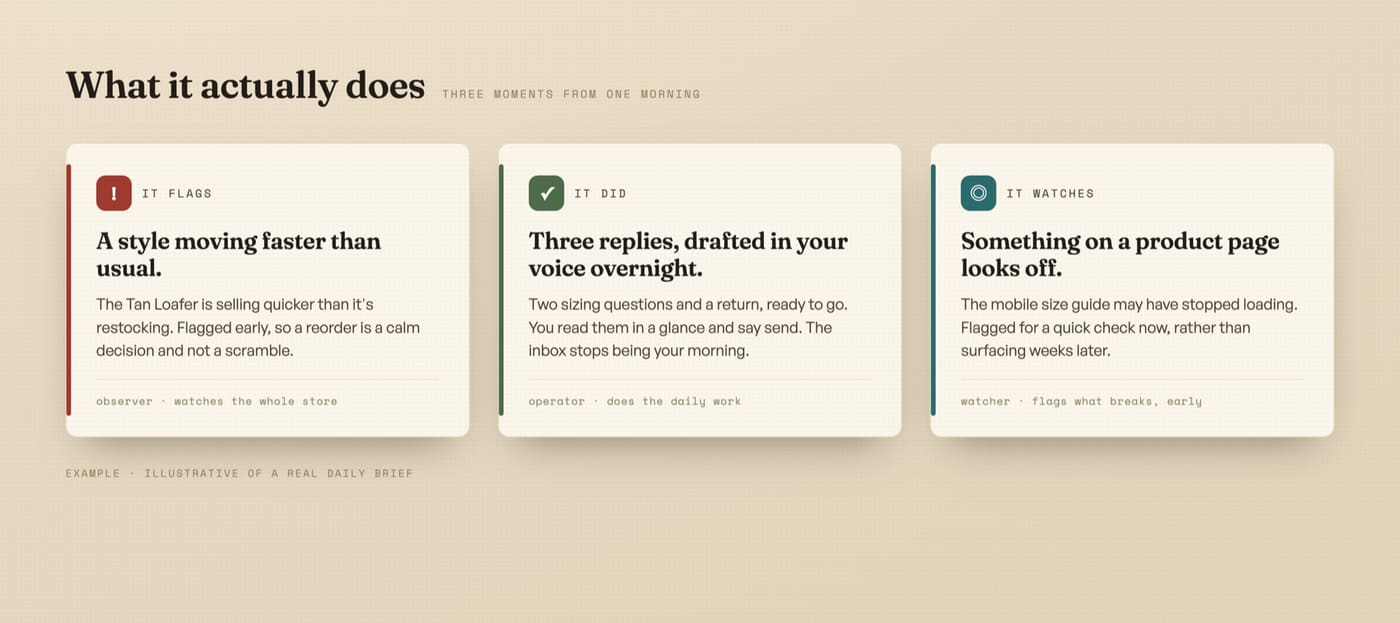 DNA’s visual workflows transform single phone product cutouts into styled studio and lifestyle compositions using strict art-direction constraints.
Why most AI product photos look cheap (And how to avoid it)
Default AI image models are trained on millions of generic internet graphics. When you give them a simple prompt like “put my product on a marble table with luxury background”, they apply their most common visual defaults:
- Unrealistic lighting: Light hitting the product from the left while the background shadow falls to the right.
- Surface distortion: Altering text, stitching, textures, and dimensions on your actual packaging.
- The plastic AI sheen: Oversaturated neon tones and blurred, synthetic depth-of-field that look computer-generated.
- Floating objects: Products that appear pasted over a background rather than naturally grounded on a surface.
To create images that actually convert buyers, you must treat AI as a digital set designer, not a replacement for your real physical product.
 Treat AI like a precise set designer: control the exact ground surface, light direction, and physical camera focal length.
The golden rule: Never generate the product, only the scene
The biggest mistake founders make is asking AI to generate the product from scratch. An AI model will never accurately reproduce your exact fabric weave, bottle cap threading, label typography, or physical dimensions.
The professional workflow follows three non-negotiable principles:
| Step | How it works | Why it protects your brand |
|---|---|---|
| 1. The Real Base Shot | Take one clean, evenly lit photo of your physical product on a phone. | Guarantees that every label, stitch, and logo remains 100 percent accurate. |
| 2. Transparent Isolation | Remove the background to create a clean, high-resolution product cutout. | Separates your physical inventory from the digital environment. |
| 3. Controlled Scene Synthesis | Place the isolated product into an AI-generated set with matching light and shadows. | Delivers authentic lifestyle context while keeping the product completely real. |
The 4 essential product shots every Shopify store needs
Before generating random lifestyle scenes, make sure your product page covers the four foundational image types:
| Image Type | Primary Purpose | Optimal Scene Background |
|---|---|---|
| 1. Clean Studio Hero | Clear product visibility and catalogue consistency. | Warm bone, soft stone, or pure off-white with natural contact shadows. |
| 2. Macro Texture & Detail | Highlights premium build quality, ingredients, or materials. | Tight angled focus showing genuine stitching, embossing, or physical texture. |
| 3. In-Situ Lifestyle | Helps the customer visualize the product in their daily life. | Lived-in environments: kitchen counters, entryway tables, gym bags, or outdoor settings. |
| 4. Scale & Comparison | Answers sizing doubts before checkout. | Next to everyday reference objects (keys, coffee cup, laptop) or held in real hands. |
 Human context and real physical proportions anchor customer trust far better than generic floating product renders.
How to create AI product photos from phone shots (Step by Step)
You do not need an expensive DSLR camera or Photoshop expertise. You can set up a repeatable product photography engine using these four steps:
1. Capture a neutral phone photo
Place your product on a flat table near a window with indirect daylight. Turn off overhead fluorescent lights to avoid conflicting color temperatures.
Shoot straight-on at eye level or at a slight 45-degree angle. Keep your camera lens clean and maintain a steady hand. You do not need a fancy background because it will be removed in the next step.
2. Isolate your product cutout
Use a clean background removal tool to isolate your product. Inspect the edges carefully, making sure transparent glass, fine bristles, or intricate corners remain crisp.
3. Enforce strict art-direction prompts
When prompting the AI background generator, explicitly ban generic AI tropes.
Specify exact real-world materials and camera settings:
- Specify ground surfaces: Aged wood, matte ceramic tile, raw travertine, unbleached linen, or cast concrete.
- Specify lighting conditions: Soft directional morning sunlight, diffuse overcast daylight, or low warm tungsten studio side-lighting.
- Specify camera framing: 50mm lens perspective, shallow depth of field, subtle film grain, and natural contact shadows under the base.
To stop AI tools from defaulting to cheap gradients and stock aesthetics, you can install the make your graphics stop looking AI kit, which bundles the exact art-direction constraints and design filters we use across client catalogues.
4. Audit image consistency across your collection
Inconsistent product imagery makes a Shopify store look amateur. If one product has harsh studio flash and another has dark moody lighting, your catalog feels disjointed.
Save your lighting and background prompts as a standardized template. When you launch a new SKU next month, you drop the new product cutout into the exact same environmental preset.
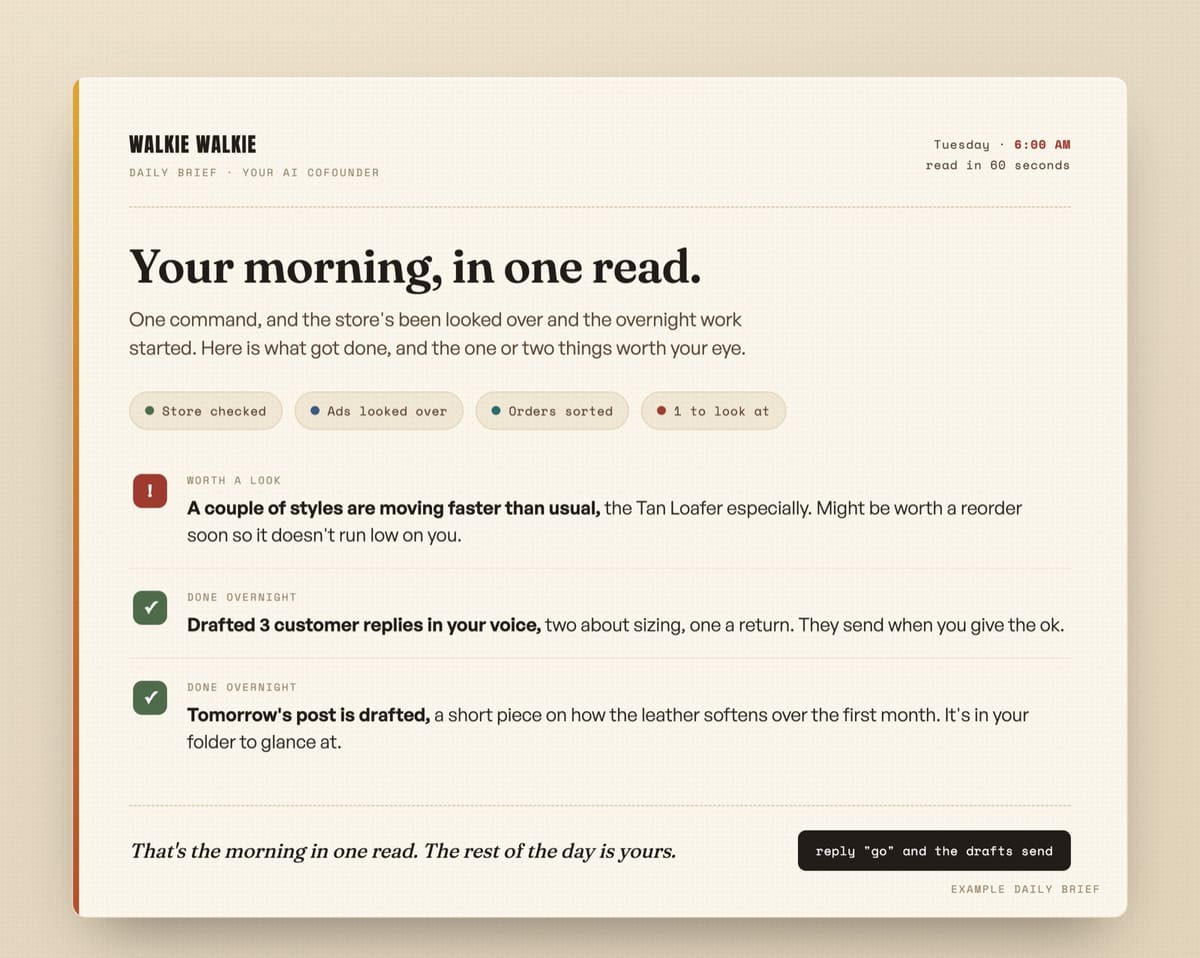 DNA’s storekeeper audit system continuously scans store UX, checking mobile viewport targets, conversion pathways, and image performance.
To verify your store visual hierarchy and checkout flow, you can run the storekeeper free audit pack, which evaluates your collection page layout, touch targets, and image loading speed across mobile devices. Our complete guide on what to automate for ecommerce stores covers broader catalog workflows.
Studio photoshoot vs DIY camera vs AI product photography
| Factor | Professional Studio Shoot | DIY Manual Photography | Controlled AI Photography |
|---|---|---|---|
| Cost per Collection (5 SKUs) | $1,500 to $3,500+ | $100 (props/lights) | $0 (Token usage only) |
| Turnaround Time | 10 to 20 business days | 8 to 12 hours manual labor | Under 15 minutes |
| Props and Location Access | Limited to rented studio space | Limited to what you own | Unlimited authentic scenes |
| Creative Variations | Fixed by photoshoot schedule | Fixed by shooting time | 10+ seasonal variations in one sitting |
| Product Authenticity | 100% real | 100% real | 100% real (isolated physical asset) |
The honest win: Speed and margin, not replacing real craft
Let us be completely transparent: AI product photography does not replace the artistic mastery of a top-tier luxury commercial photographer with a $50,000 budget.
What it does do is solve the crippling speed and budget bottleneck for lean DTC operators.
 Automate the mechanical production cycle so you can invest your energy into genuine craft, product quality, and customer relationships.
Instead of waiting three weeks and spending half your launch budget on a preliminary photoshoot, you can test new product angles, seasonal holiday sets, and ad backgrounds in minutes. You protect your cash flow, keep your store catalogue looking high-end, and save your capital for inventory and growth.
To see how visual asset production fits into a sustainable morning founder schedule, download the daily operating loop cheat sheet, which shows how an operating footwear brand manages daily routines without burning out.
Build your automated operating engine with DNA
If managing AI models, setting up prompt templates, and building custom store operations sounds like unnecessary friction, you do not have to build it alone.
At Daily Needs Association (DNA), we build custom AI operating systems for solo Shopify founders and DTC brands. We connect your store data, configure your creative workflows, and deploy an AI operating system that runs your daily morning checks, triage, and operational tasks.
You own the entire setup, maintain full creative control, and eliminate unnecessary agency overhead.
Next steps for your store
If you want to upgrade your store imagery and operations:
- Read our foundational guide on AI for small business: where to start.
- Browse our free resources shelf for open-source design kits, prompt packs, and operational guides.
- Request a free AI plan. Share your store link, and we will send back a plain-spoken teardown showing the exact operational bottlenecks and visual friction points an AI operating system can resolve for you.
- See the operational proof behind our framework.